
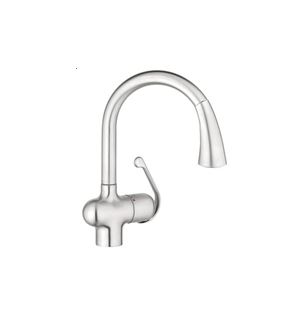
Identifying Tap Cartridges
It is often quite difficult to know how to help a customer when they send you a picture of a tap asking for you to provide them with a new cartridge.
Below, we have outlined a few quick steps that will help you to quickly determine which cartridge is required for the product.
Step 1:
Visit the LixilCare Support Site at www.lixilcaresupport.com.au
Step 2:
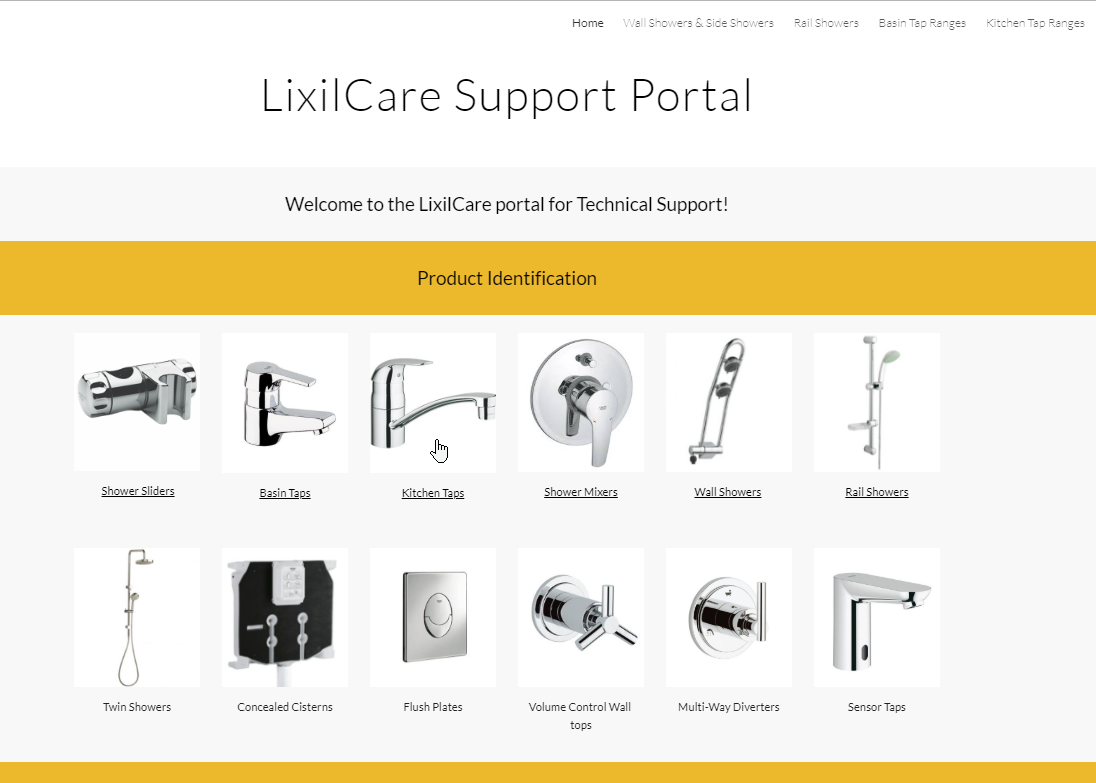
Select the category that is related to your enquiry. For this case, we want to locate a Kitchen Tap cartridge. So you go ahead and click on the Kitchen Taps category.
Step 3:
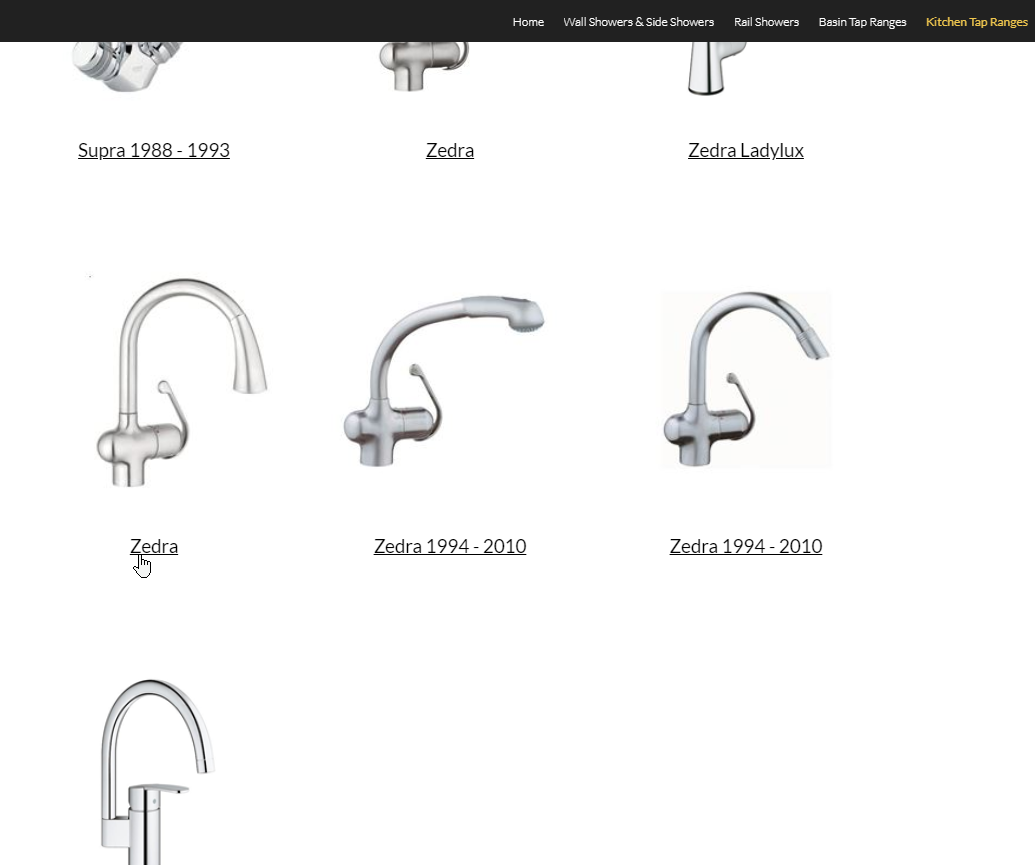
Scroll down to locate the same tap shown in the clients' pictures. For this case, we are looking for the "Zedra" tap as shown below to the left.
Select the name, and follow the link to the Grohe global website where you can view dimensional drawings, spare parts information, TPI (Technical Product Information/installation instructions) and the product description. See Step 4!
Step 4:
Once you follow the link, you will arrive at the Grohe global website, which will show the product that you have selected.
Scroll down to locate the download section
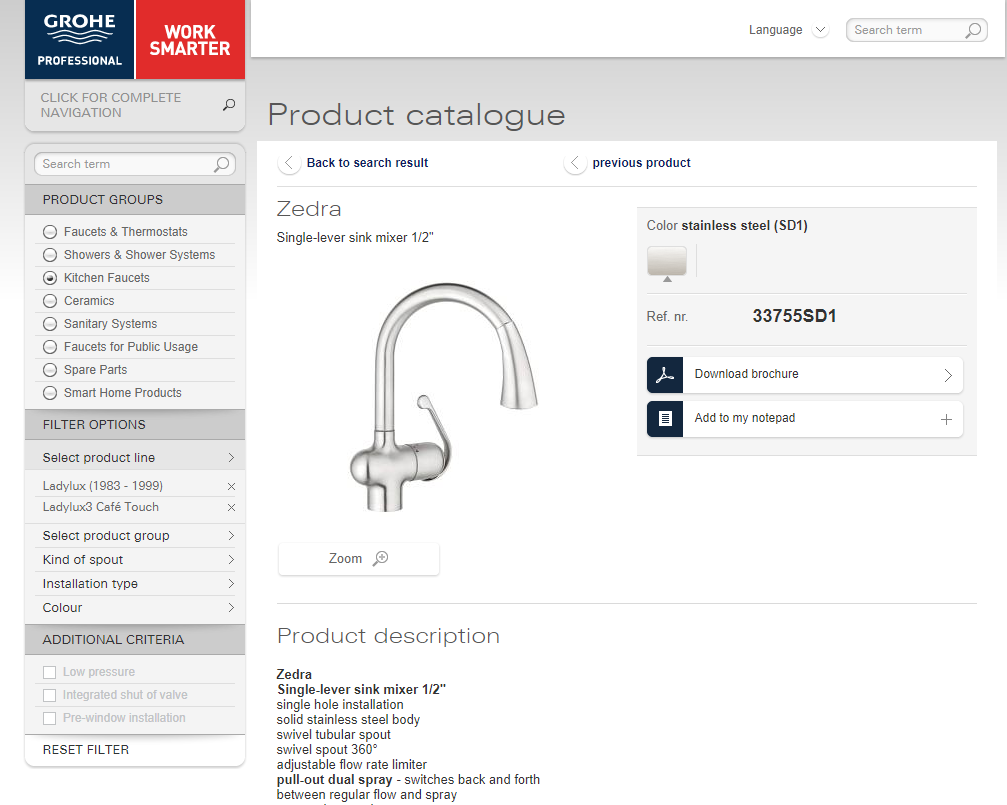
Select the Spare Parts/Exploded Drawing section:
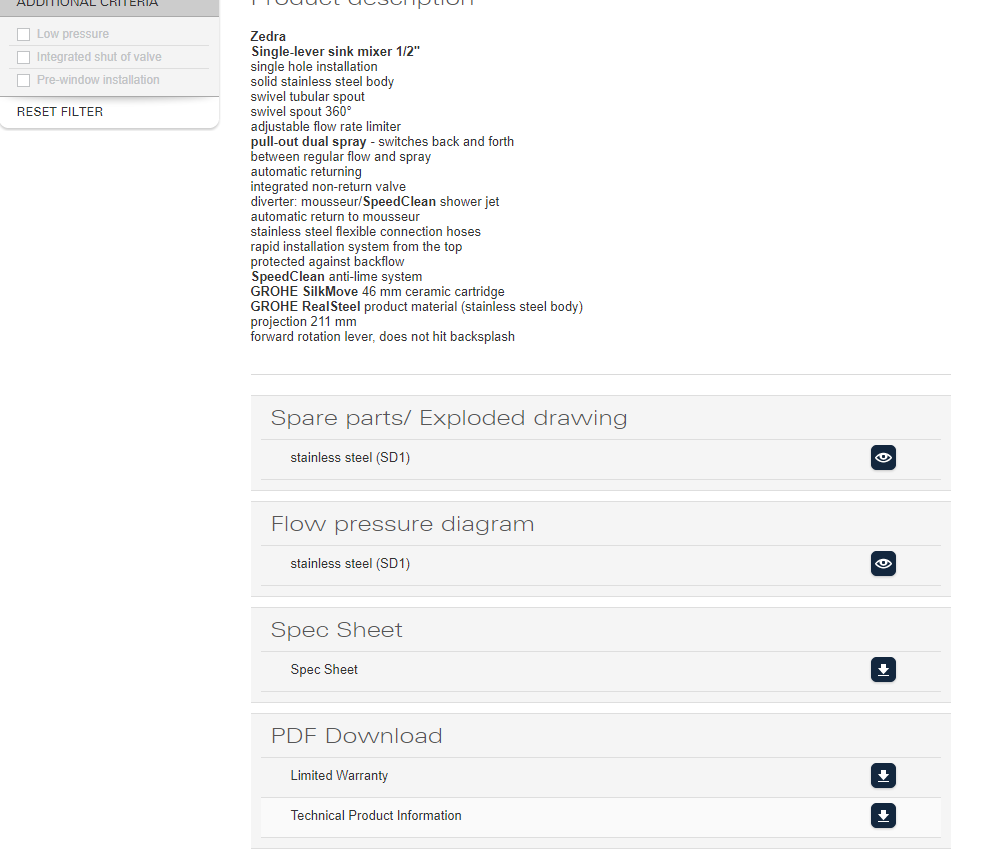
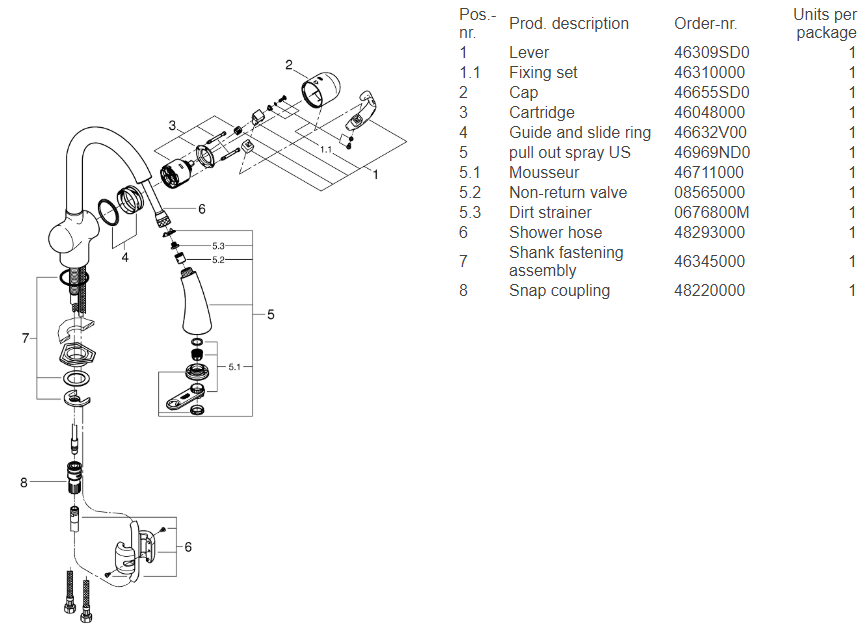
Once you select the Spare Parts/Exploded Drawing section, you will the below spare parts list, and associated drawing to assist you to easily see what parts are available, and which part codes you require for ordering.
When locating the cartridge, you will see in the below spare parts list that the cartridge for this particular product is Part 3 - Cartridge - 46048000 (Reece Code: 9507269)
Thank you for reading this article.
Kind Regards,
Nick Tripp
Lixil Australia After Sales Service Manager
ANZ
nick.tripp@lixil.com
Comments
0 comments
Please sign in to leave a comment.